


Kawaii Clip Studio
Air Tracker Tags-4 Pack (iOS Only), [Apple MFi Certified] Key Finder
Air Tracker Tags-4 Pack (iOS Only), [Apple MFi Certified] Key Finder
Regular price
$8.98 CAD
Regular price
$23.30 CAD
Sale price
$8.98 CAD
Shipping calculated at checkout.
Quantity
Couldn't load pickup availability
Product description


From the brand

-

Tukio, Built with Care
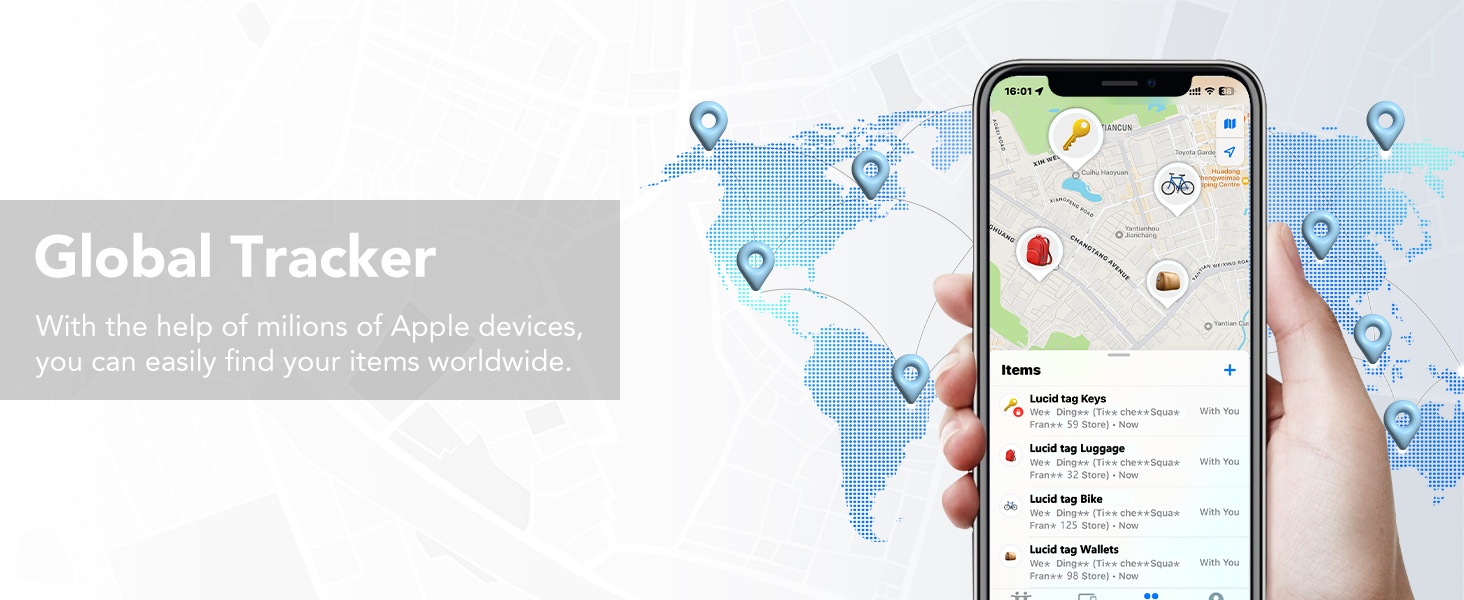
At Tukio, our mission is to revolutionize the way people keep track of their valuables. Founded by a passionate team of innovators, we have dedicated ourselves to providing solutions that make everyday life convenient and smooth.
Since our inception, we have proudly served thousands of users worldwide, helping them overcome the frustration of misplaced items.
Choose Tukio, everything we build is built with care for you.
-

-

-
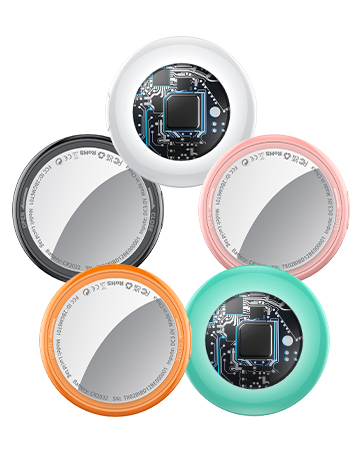
Tukio Lucid tag
-

-

-

-

-


